Best Research Platforms With Salesforce Sync Compared
This comparison breaks down the platforms that offer native Salesforce integration for participant recruitment, evaluating sync depth, panel management, compliance, and fit for enterprise customer research.
Your Salesforce instance holds a goldmine of customer data. But if your research team can’t tap into it to recruit research participants, that data sits idle while you export CSVs and chase down customer success managers for contact lists.
The right participant recruitment platform connects directly to Salesforce, syncing customer records into your research panel so you can target, recruit, and govern outreach from one place. Rally gives you a two-way Salesforce sync purpose-built for enterprise research panels, along with governance controls that protect participants at every step.
This comparison breaks down the platforms that offer native Salesforce integration for participant recruitment, evaluating sync depth, panel management, compliance, and fit for enterprise customer research.
Quick guide: 4 best research platforms with Salesforce sync
- Rally: The best participant recruitment platform with native two-way Salesforce sync for enterprise research panels
- User Interviews: One-way Salesforce data import for teams focused on panel building inside Research Hub
- Qualtrics: Survey-first Salesforce extension for triggering distributions and mapping responses back to records
- Internal build: Custom Salesforce-to-research pipeline for organizations with dedicated engineering resources
How we chose the best research platforms with Salesforce sync
Enterprise research teams need more than a basic connector. When your participant panel lives alongside millions of Salesforce records, the integration has to handle real-world complexity: data freshness, governance rules, and compliance requirements that come with contacting your own customers at scale.
- Sync direction and frequency: Does the platform pull data from Salesforce, push data back, or both? How often does it refresh? Your team needs current records to recruit the right participants and avoid contacting people at the wrong time.
- Property mapping flexibility: Can you map custom Salesforce fields to participant attributes? Rich profiles mean better segmentation, which means you reach the right people for each study.
- Governance and contact controls: Can the platform use Salesforce data to enforce contact frequency rules, cooldown periods, and do-not-contact lists automatically? This keeps your customer relationships protected without manual gatekeeping.
- Compliance infrastructure: Does the platform support GDPR, HIPAA, SOC 2, and consent management natively? Enterprise teams operating in regulated industries need these guardrails built in.
- Panel management depth: Beyond the sync itself, how well does the platform let you build, segment, and maintain living panels of your own users over time?
- Setup and maintenance burden: How much engineering support does the integration require to configure and keep running? Research teams should spend time on insights, not infrastructure maintenance.
The 4 best research platforms with Salesforce sync
1. Rally: Best overall research platform with Salesforce sync
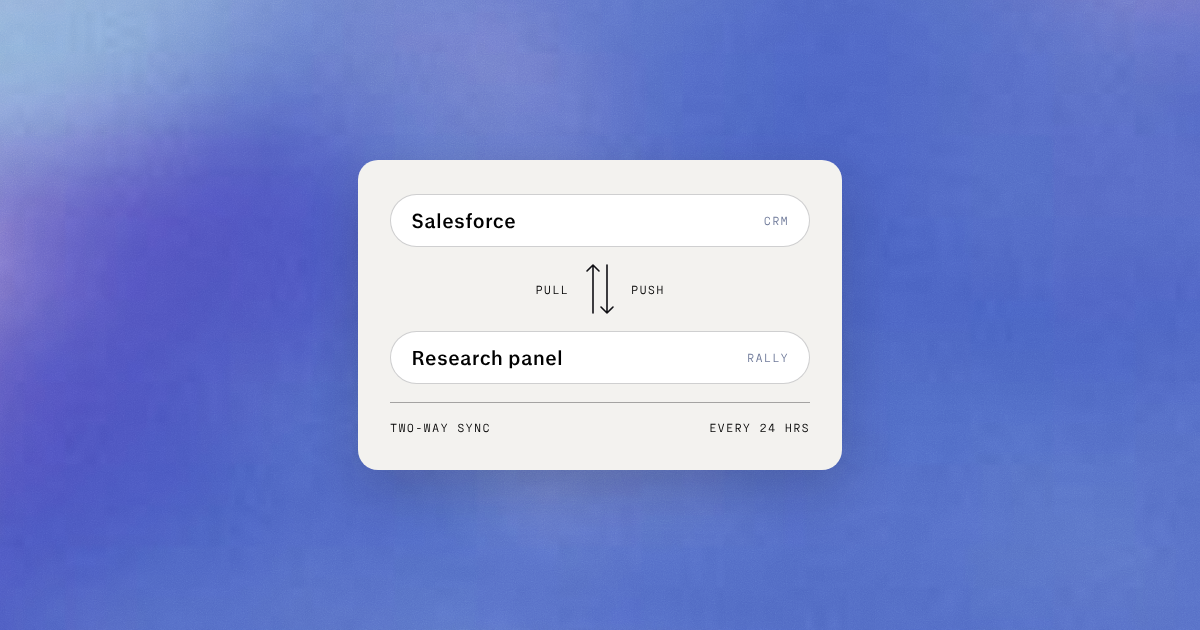
Rally is a participant recruitment platform built from the ground up as enterprise research infrastructure. Its native Salesforce integration delivers a true two-way sync, pulling customer data into your research panel and pushing participation history back to Salesforce every 24 hours automatically.
What sets Rally apart is how deeply Salesforce data integrates into the rest of the platform. Synced fields feed directly into Rally’s governance engine, so you can create custom rules based on Salesforce properties. If a customer’s renewal date is within four months or their CSM sentiment is flagged as at-risk, Rally automatically blocks outreach to that contact.
Teams at companies like Braze, Webflow, and Faire use Rally to manage enterprise-scale research panels without adding operational headcount. The platform handles recruitment, scheduling, consent, and incentives in a single workflow, turning Salesforce contacts into research-ready participants with full governance in place.
Rally features
- Two-way Salesforce sync: Automatically syncs contacts and custom properties between Salesforce and Rally every 24 hours, with manual sync available anytime. Your research panel always reflects the latest customer data.
- Salesforce-powered governance rules: Build custom contact rules using any mapped Salesforce field. Block outreach to customers in onboarding, at-risk accounts, or upcoming renewals without asking your CS team for approval each time.
- Flexible property mapping: Map any Salesforce Contact or Lead field to Rally participant attributes. Use those fields for segmentation, filtering, and screening across every study.
- PII and PHI masking: Control who can see sensitive participant data with role-based permissions and data masking. Researchers access the profiles they need without exposing protected information.
- Enterprise compliance: SOC 2, GDPR, CCPA, and HIPAA-ready infrastructure with consent management, encrypted data, SSO, and audit controls built into every workspace.
- Automated incentive distribution: Send incentives across 200+ countries with 1,000+ reward options after each session, eliminating manual payment processing and cross-border friction.
2. User Interviews: One-way Salesforce import for Research Hub panels
User Interviews offers a Salesforce data integration that lets you pull contacts into Research Hub, their panel management tool. The setup requires a standard OAuth connection and field mapping configuration, and once connected, participant profiles update as records change in Salesforce.
The integration focuses on importing Salesforce data into Research Hub for targeting and segmentation. User Interviews does not currently offer a two-way sync, so participation data and research history stay inside the platform rather than flowing back to your Salesforce instance.
User Interviews features
- One-way Salesforce data import: Pull contacts from Salesforce into Research Hub and keep profiles updated as Salesforce records change.
- Field mapping: Map Salesforce record types and fields to Research Hub participant attributes for targeting and segmentation.
- External panel access: Recruit from a network of 6M+ participants when your own panel doesn’t include the right audience for a study.
User Interviews pros and cons
Pros:
- No technical resources required to authenticate and configure the Salesforce connection
- Automatic profile updates keep participant records aligned with Salesforce data
- Access to a large external panel when internal recruitment falls short
Cons:
- No two-way sync, so research participation history does not flow back to Salesforce
- Governance controls for contact frequency are more limited compared to platforms with Salesforce-powered rule engines
- Panel management features focus on recruitment and sourcing rather than full lifecycle participant management
3. Qualtrics: Survey-focused Salesforce extension for distribution and response mapping
Qualtrics integrates with Salesforce through its dedicated extension, which connects survey distribution and response data with your CRM. You can trigger surveys from Salesforce events, create leads from survey responses using Web to Lead, and map response data back to Salesforce records.
The integration is designed around survey workflows rather than participant panel management. Qualtrics focuses on distributing surveys to Salesforce contacts and capturing structured feedback, which makes it a fit for teams running large-scale quantitative research programs rather than ongoing participant recruitment.
Qualtrics features
- Trigger and Email Survey: Automatically send surveys when specific Salesforce Flow conditions are met on a contact or account record.
- Response mapping: Map survey responses back to Salesforce records, with logic rules controlling which responses update which objects.
- AppExchange app: Send surveys and view response dashboards directly inside the Salesforce interface without switching platforms.
Qualtrics pros and cons
Pros:
- Surveys can be triggered automatically from Salesforce workflow events
- Response mapping supports both default and custom Salesforce objects
- Available as a native Salesforce AppExchange app for in-platform access
Cons:
- The integration centers on survey distribution rather than participant recruitment or panel management
- Advanced Salesforce features require additional licensing beyond the base Qualtrics plan
- No built-in participant governance, contact frequency controls, or cooldown management for research outreach
4. Internal build: Custom Salesforce-to-research pipeline
Some enterprise teams choose to build a custom integration between Salesforce and their internal research tools using Salesforce APIs, middleware platforms, or ETL pipelines. This approach offers full control over data flow, field mapping, and sync logic tailored to your organization’s specific architecture.
The trade-off is significant: building and maintaining a custom pipeline requires dedicated engineering resources, ongoing maintenance as Salesforce schemas evolve, and the responsibility of implementing your own compliance and governance controls from scratch.
Internal build features
- Full customization: Design data flows, field mappings, and sync schedules that match your organization’s exact technical architecture and requirements.
- Direct API access: Use Salesforce REST and Bulk APIs for granular control over which records sync and how frequently.
- Flexible tool integration: Connect Salesforce data to any internal tool, spreadsheet, or database your research team already uses.
Internal build pros and cons
Pros:
- Full control over data flow architecture and sync logic
- Can be tailored to match any internal research workflow or tooling setup
- No dependency on a third-party vendor’s integration roadmap
Cons:
- Requires dedicated engineering time for initial development and ongoing maintenance
- Governance, compliance, and consent management must be designed and built separately
- Schema changes in Salesforce can break custom integrations, creating reliability gaps
Comparison table: The best research platforms with Salesforce sync
How does a two-way Salesforce sync improve participant recruitment?
A two-way sync between your research platform and Salesforce eliminates the data lag that slows down recruitment. When customer records update in Salesforce, those changes flow into your research panel automatically. When a participant completes a study, that history syncs back to Salesforce.
This bidirectional flow gives your research team current data for targeting and your customer-facing teams visibility into who has been contacted for research. Rally’s two-way Salesforce sync runs every 24 hours and feeds directly into governance rules, so contact restrictions update alongside the data.
Without a two-way sync, research participation data stays siloed. Customer success managers don’t know which accounts were recently contacted for studies, and researchers lack the latest account health signals when deciding who to recruit.
What governance controls should you look for in a Salesforce-connected research platform?
Contact frequency management is the most critical governance feature for enterprise customer panels. Your platform should let you set default and custom cooldown periods that prevent participants from receiving too many invitations within a given timeframe. According to Maze’s 2025 Future of User Research Report, 66% of teams report rising demand for research, which makes disciplined contact controls even more important as study volume grows.
Look for the ability to build rules from Salesforce field values directly. Rally lets you create custom governance rules using any mapped Salesforce property, so contacts flagged as at-risk, in onboarding, or approaching renewal are automatically blocked from outreach without manual review.
Beyond contact frequency, your platform should support:
- Role-based permissions controlling who can launch studies and view participant data
- Consent management built into study workflows
- Audit trails tracking every outreach action for compliance reporting
Why Rally is the best research platform with Salesforce sync
Rally was built for the specific challenge enterprise research teams face: turning Salesforce customer data into a governed, research-ready participant panel without manual data wrangling or engineering bottlenecks. The two-way sync is not an add-on connector. It is a core part of the platform’s research infrastructure.
Where other platforms treat Salesforce as a data source to import from, Rally treats it as an active part of your governance system. Synced fields power contact rules, cooldown periods, and do-not-contact protections that update automatically. This means your research operations scale alongside your customer base without requiring your CS or ops teams to manually gate every outreach request.
Rally gives you the full participant lifecycle in one platform: recruitment, scheduling, consent, incentives, and reporting. Combined with enterprise-grade security and compliance, it is the research infrastructure that lets your team spend time on conversations with users, not on managing the logistics to get there.
Book a demo to see how Rally connects your Salesforce data to your research operations.
FAQs about research platforms with Salesforce sync
What is a research participant recruitment platform?
A research participant recruitment platform helps UX research and product teams find, invite, and manage people who participate in studies. Rally centralizes participant data, automates outreach and scheduling, and handles incentives so your team focuses on gathering insights rather than coordinating logistics.
Why does Salesforce integration matter for enterprise research panels?
Enterprise research teams need current customer data to recruit the right participants. A Salesforce integration pulls contact records, account health signals, and custom fields directly into your research panel. Rally’s two-way sync ensures both systems stay aligned, giving researchers accurate data and customer-facing teams visibility into research activity.
Can Rally use Salesforce data to block outreach to certain contacts?
Yes. Rally lets you build custom governance rules using any mapped Salesforce property. You can automatically block outreach to contacts who are onboarding, flagged as at-risk, or approaching contract renewal. These rules update every time the Salesforce sync runs, removing the need for manual CS approvals.
How often does Rally sync data with Salesforce?
Rally automatically syncs data between Salesforce and your research panel every 24 hours. You can also trigger a manual sync at any time from the integration settings. This keeps participant profiles current without requiring your team to re-import data or manage CSV exports.
Do I need engineering resources to set up Rally’s Salesforce integration?
The setup requires a standard OAuth connection and field mapping configuration, both managed within Rally’s workspace settings. You do not need dedicated engineering support to authenticate, configure sync settings, or map Salesforce properties to Rally participant attributes.
Rally’s Research Ops Platform enables you to do better research in less time. Find out how you can use Rally to empower your teams to talk to their users, without disjointed tooling and spreadsheets. Explore Rally now by setting up a demo.